Overview
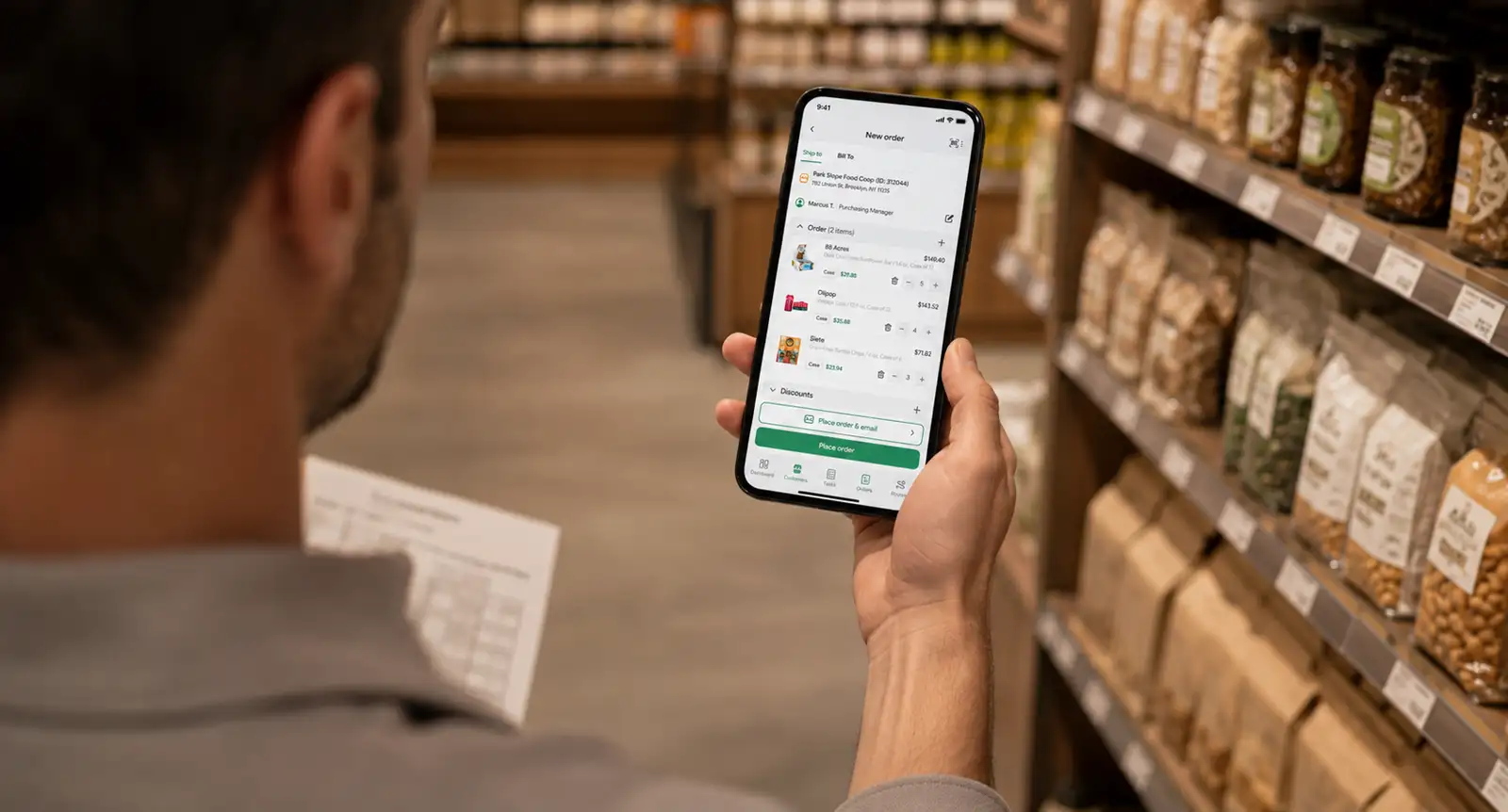
Print order invoices from SimplyDepo’s mobile app using a Zebra printer connected over Bluetooth. Give customers a paper copy during a delivery or sales visit, with details drawn from the order in SimplyDepo.
Key actions
- Print from the order Open an order and use Print Zebra from the order options.
- Connect through Bluetooth Use the mobile app’s Zebra printer connection to select a printer.
- Include relevant order details Printed invoices can include product prices, discounts, delivery fees, payments, and the remaining balance, depending on the order and account settings.
- Keep useful context on the invoice Notes, distributor contact details, and an order signature can appear when available.
Example use cases
| Use case | How teams use it |
|---|---|
| Delivery handoff | Give the customer a printed order invoice at the delivery stop. |
| Field sales visits | Provide a paper copy of an order from the mobile app. |
| Payment review | Give the customer an invoice showing recorded payments and the remaining balance, where applicable. |
Key benefits
- Keep printing within the order workflow.
- Use order information already recorded in SimplyDepo.
- Give customers a paper reference for products, charges, and balances.
How to set up SimplyDepo with Zebra
- Open Settings in the SimplyDepo mobile app and select Zebra under Label Printer.
- Connect the printer through Bluetooth and use the Test option to check your setup.
- Once the connection is ready, open the order and choose Print Zebra.
Confirm your printer model, mobile device, and setup requirements with the SimplyDepo team before rollout.