DSD Business Systems: What They Are and What to Look For

📌 Key takeaways
- A DSD business system connects direct store delivery workflows across routes, customer accounts, orders, deliveries, and the back office.
- Evaluate software against a real route from start to finish, rather than choosing the longest feature list.
- Test mobile order taking, offline work, account-specific pricing, delivery and return handling, and any merchandising tasks your team performs.
- DSD software can work alongside an ERP or accounting platform. Clear data ownership and reliable integrations help reduce duplicate entry and keep field and office teams aligned.
DSD business systems help direct store delivery teams manage the work that happens between the warehouse, the route, the store, and the back office.
Instead of treating route planning, order taking, delivery, merchandising, invoicing, and reporting as separate jobs, a good DSD system connects them into one operating workflow. Drivers and field reps know where to go and what to do at each stop, while managers get cleaner information about orders, customers, routes, and store activity.
For distributors and CPG brands that operate their own routes, that connection matters. A system can look complete on a feature checklist and still create extra work if reps have to switch between multiple apps or manually re-enter information at the end of the day.
One terminology note: DSD Business Systems is also the name of a North American ERP and business-technology company. In this guide, “DSD business systems” refers to the software and processes used to manage direct store delivery operations.
What Is a DSD Business System?
A DSD business system is the combination of software, data, and workflows used to run a direct store delivery operation.
Direct store delivery, or DSD, is a distribution model in which a supplier delivers products directly to a retail location rather than routing them through a retailer’s central distribution center first. Depending on the business, the supplier may also handle ordering, shelf replenishment, product rotation, merchandising, returns, and other store-level work.
That makes DSD operationally different from standard warehouse-to-warehouse distribution. The field team is not simply transporting a shipment. A rep or driver may need to inspect the account, confirm inventory, build an order, adjust quantities, deliver products, collect proof, handle returns, and report what happened at the store.
The business system has to support that entire sequence without turning every step into another disconnected process.
A typical DSD technology stack can include:
- DSD or route sales software for mobile field execution.
- Route planning and delivery scheduling tools.
- Order management and invoicing.
- Product catalogs and customer-specific pricing.
- Inventory and fulfillment data.
- Accounting or ERP software.
- CRM and account history.
- Retail execution tools for audits, photos, and merchandising.
The question is not simply whether each function exists somewhere. It is whether information can move between those functions without creating duplicate work.
How DSD Business Systems Work Across a Route
The easiest way to understand a DSD system is to follow one order from planning through completion.
1. Plan the route and the work
Before a rep or driver leaves, the system should make it clear which accounts need attention, which deliveries are scheduled, and what needs to happen at each stop.
The route may be based on open orders, scheduled visits, customer frequency, territory, geography, or other business rules.
A useful system gives the person in the field more than an address. Customer history, outstanding orders, account notes, pricing, and required tasks should travel with the stop.
2. Arrive with the account context
At the store, the rep should be able to see the customer’s information without calling the office or searching through separate spreadsheets.
That can include previous orders, product assortment, agreed pricing, outstanding invoices, notes, and recent field activity.
This is where the difference between a basic route planner and a real DSD business system becomes obvious. Navigation gets someone to the account. Account context helps them actually serve it.
3. Take or adjust the order
Many DSD operations combine selling and delivery.
A rep may build a new order during a visit, add items to an existing order, change quantities based on actual store needs, or recommend a reorder based on what is moving.
The system should make the current catalog, pricing, and relevant product information available in the field. If the rep is working somewhere with weak connectivity, offline operation can also be important.
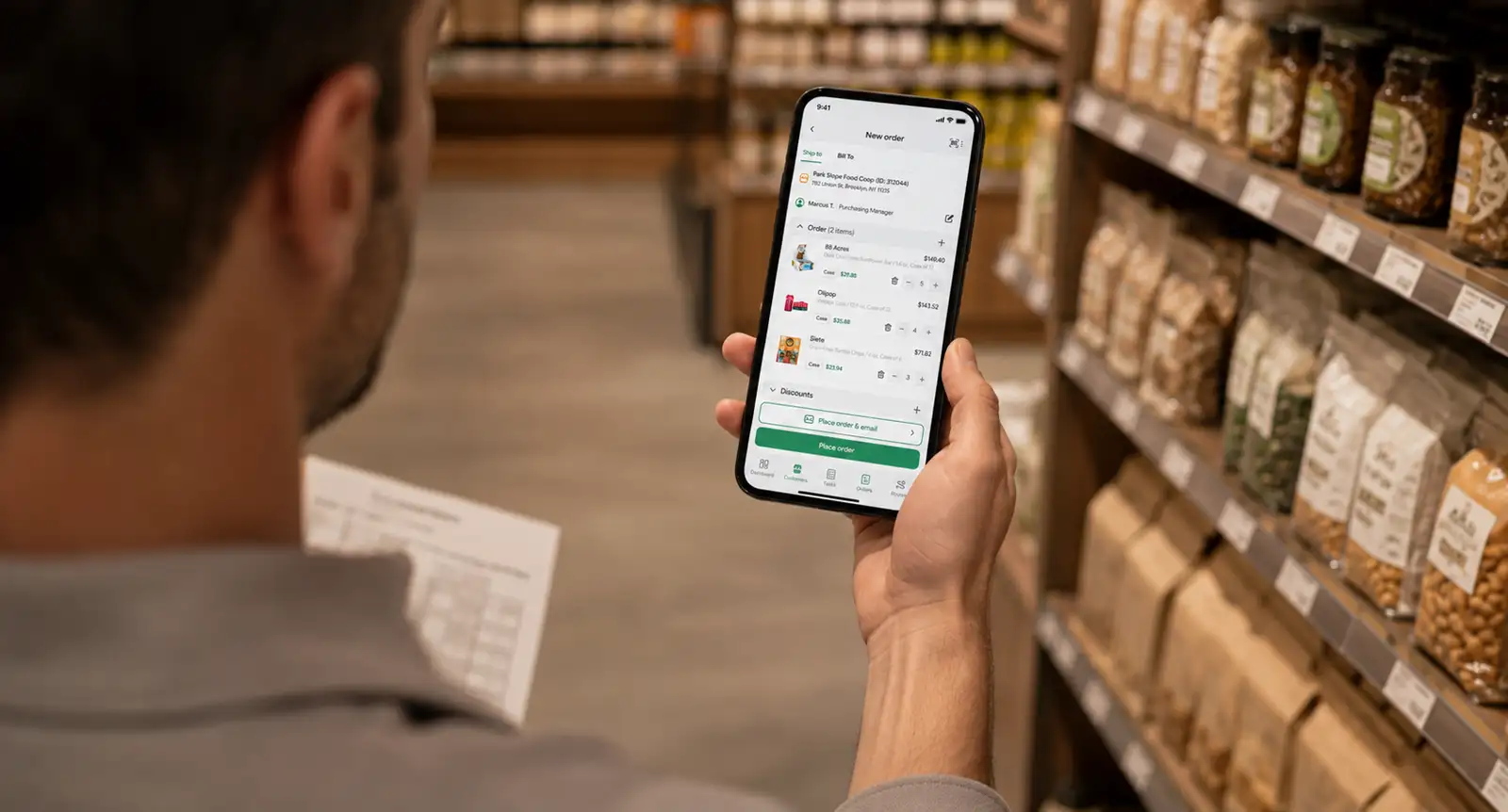
SimplyDepo, for example, allows field teams to work with orders, account information, photos, and visit data while offline and sync updates when connectivity returns.
4. Deliver, document, and settle the stop
For delivery-focused routes, the workflow continues after the order.
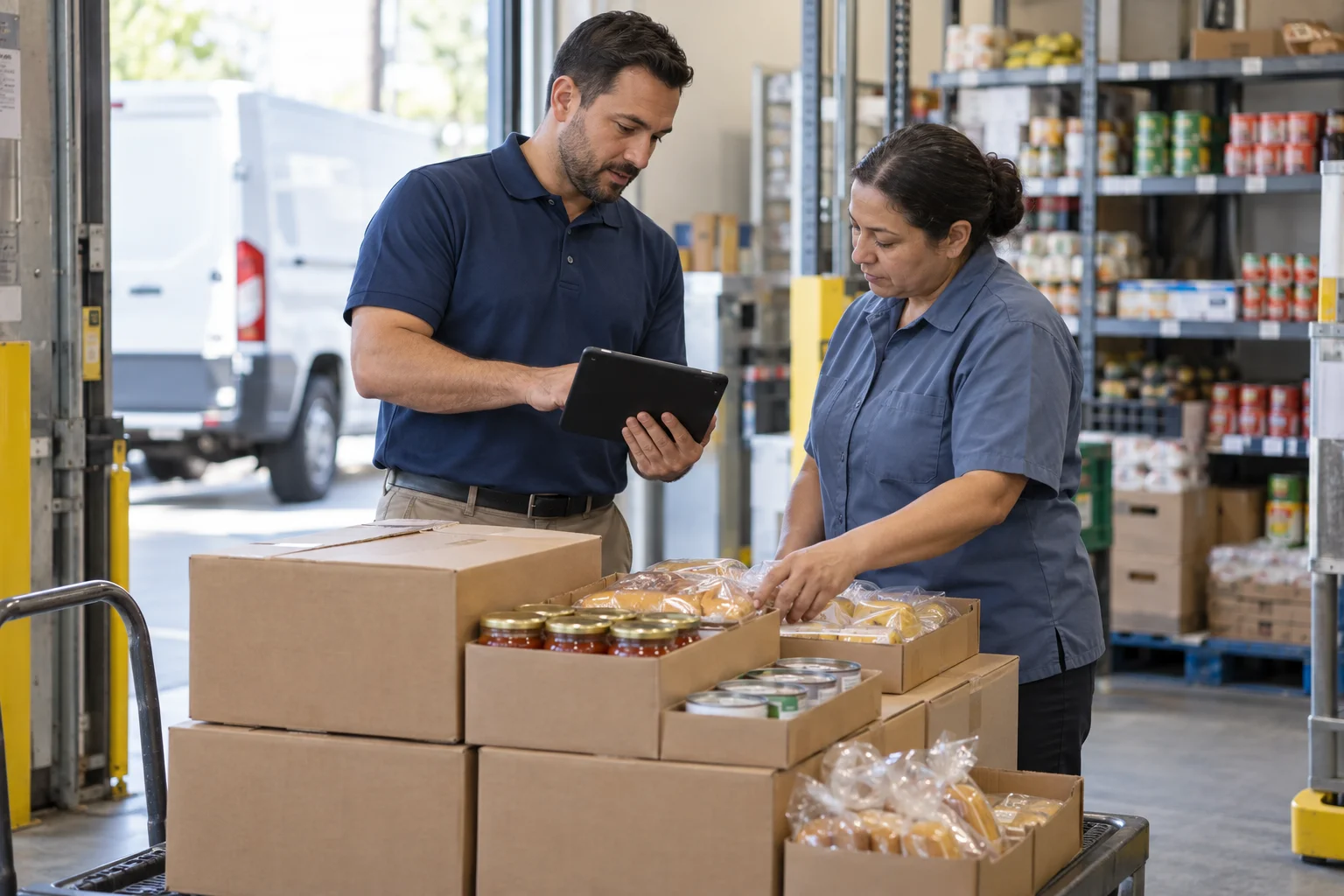
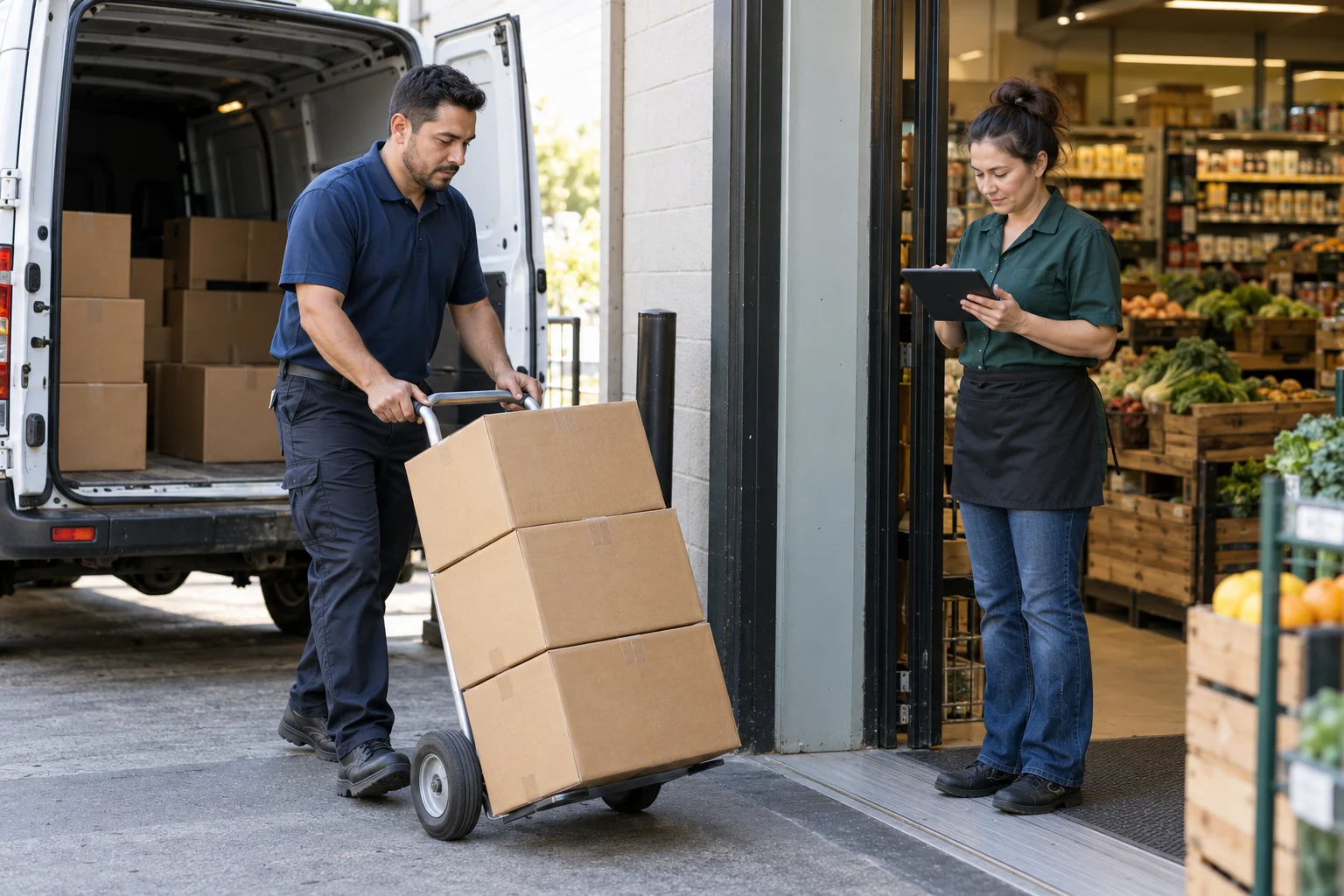
The driver may need to confirm quantities, capture a signature or other proof of delivery, collect payment, record a return, and complete the stop.
Good direct store delivery software keeps these actions connected to the customer and transaction instead of creating a separate paper trail that someone must reconcile later.
5. Send clean information back to the business
The field workflow is only half of the system.
Orders, invoices, payments, returns, visit details, and other activity ultimately need to reach the back office. Managers need visibility into route performance, and accounting needs accurate transaction data.
That is why integration matters. DSD software does not necessarily replace an ERP or accounting platform. In many businesses, it should connect field execution with those systems so each tool handles the job it is designed for.
The Five Layers of a Useful DSD System
When comparing DSD business systems, it helps to evaluate them as five connected layers rather than as one long feature list.
| Layer | What it needs to manage | Why it matters |
|---|---|---|
| Field execution | Visits, orders, tasks, photos, notes, proof | Gives reps and drivers one usable workflow at the store |
| Customers and products | Accounts, catalogs, pricing, history | Keeps the information used in the field accurate |
| Routes and deliveries | Stops, assignments, delivery status, returns | Connects daily planning with actual execution |
| Transactions | Orders, invoices, payments | Reduces manual handoffs after the route |
| Back office | Accounting, reporting, ERP or other systems | Keeps field and office data aligned |
A product can be strong in one layer and weak in another.
For example, a route optimization tool may be excellent at sequencing stops but offer little support for order taking. A CRM may organize account information but not handle van sales or proof of delivery. An ERP may manage inventory and accounting effectively while giving field reps a workflow that is too complex for quick store visits.
The right architecture depends on what the team actually does on the route.
What Should You Look for in DSD Software?
Start with the workflow, not the feature list.
A useful evaluation asks: Can someone complete an ordinary store visit from beginning to end without switching between systems or returning to the office to finish the job?
Several capabilities deserve particular attention.
Mobile order taking that fits real store visits
Reps should be able to build orders quickly using the correct products and customer pricing.
Consider what information must be visible before an order is submitted. If reps routinely call the office to confirm a price, check account history, or ask whether a product is available, the mobile system is not carrying enough context.
Route and account information in the same workflow
Route planning is more useful when the route connects directly to the account.
A rep opening the next stop should be able to move from directions to customer history, visit tasks, products, and ordering without starting over in a different app.
Offline capability
Grocery stockrooms, warehouses, rural territories, trade shows, and older retail buildings do not always provide reliable connectivity.
If an internet connection is required for every action, a mobile workflow can fail exactly where it is supposed to help.
Offline functionality should therefore be tested as an operational requirement, not treated as a line on a sales sheet.
Customer-specific pricing and catalogs
Wholesale pricing is rarely identical across every account.
Different customers may have negotiated prices, assortments, credit terms, or product availability. A DSD system should help prevent a rep from quoting one price while the back office or customer sees another.
SimplyDepo, for example, supports customer-specific price lists and catalogs that field reps can use while building orders.
Delivery and proof workflows
If your operation delivers product directly from the route, test what happens after the truck arrives.
Can the driver confirm the delivery? Capture a signature? Record payment? Handle returns? Update the order?
A delivery feature is much more useful when it closes the transaction instead of just changing a stop from “scheduled” to “complete.”
Retail execution when the job continues at the shelf
For many CPG teams, delivery is not the end of the visit.
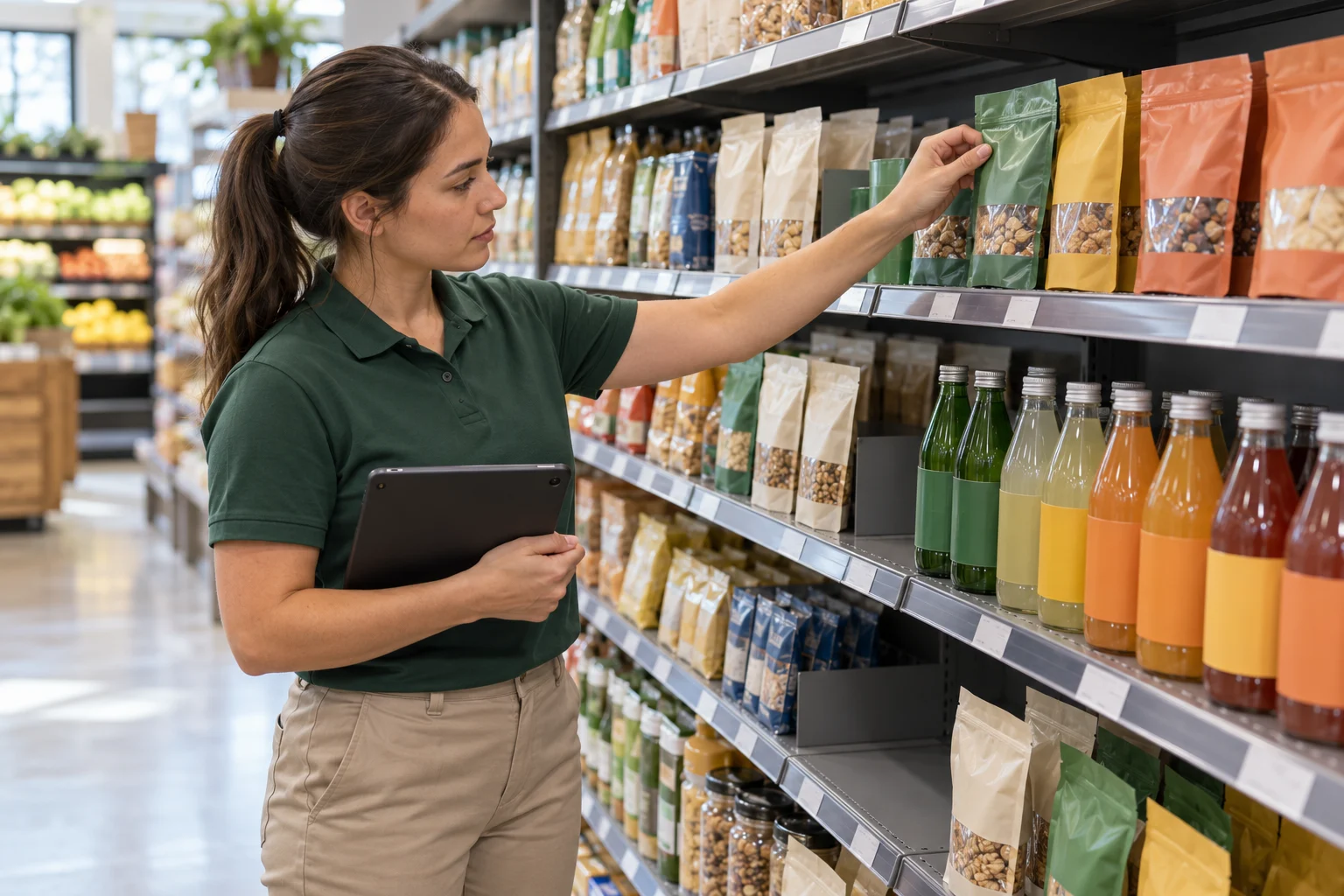
A rep may check displays, capture shelf photos, verify promotions, record out-of-stocks, complete an audit, and then take the next order.
If these activities are part of the job, evaluate retail execution alongside ordering and route management rather than buying another system later.
SimplyDepo’s current retail execution workflow combines store visits, audits, shelf photos, tasks, GPS-verified check-ins, and reorders in the same mobile environment.
Integration with the back office
Determine which system is supposed to be the source of truth for each type of data.
Accounting may stay in QuickBooks. Inventory might originate in an ERP. Customer orders could come from both field reps and a B2B portal.
A DSD platform should fit into that architecture rather than pretending every other business system can simply disappear.
DSD Software vs. ERP vs. Route Accounting
These terms often overlap, but they are not interchangeable.
DSD software is generally focused on the operational work surrounding direct delivery: routes, mobile orders, customers, deliveries, store visits, and field activity.
Route accounting software traditionally connects route sales and delivery transactions with inventory, invoices, collections, and financial records.
ERP software manages a broader set of business processes, which can include financials, purchasing, inventory, supply chain, manufacturing, and other back-office functions.
A growing distributor may use all three concepts without needing three completely separate applications.
The important question is where each workflow should live.
If the ERP already handles financial accounting well, replacing it may add unnecessary complexity. Connecting it to a field-oriented DSD system can make more sense when the real gap is route execution, mobile order entry, or store-level visibility.
One DSD Platform or Several Specialized Tools?
There is no universal answer.
A specialized technology stack can make sense when the operation has complex requirements that genuinely need best-of-breed applications. Large organizations may also have dedicated IT resources to maintain integrations between them.
For smaller and growing distributors, every additional application has an operational cost beyond its subscription price.
Someone must maintain customer records across systems. Reps have to learn multiple interfaces. Integrations must continue working. Managers need to decide which dashboard is correct when two systems disagree.
That makes consolidation particularly valuable when several jobs happen during the same store visit.
If a rep needs a route app, CRM, order-taking tool, merchandising app, and spreadsheet just to complete one stop, simplifying the workflow may produce more value than optimizing any one of those applications individually.
A Practical DSD System Evaluation Checklist
Before choosing software, map one real route from start to finish and test the system against it.
Ask:
- How does the rep receive today’s route and priorities?
- What customer information is available before entering the store?
- Can the rep view the correct catalog and account-specific pricing?
- Can an order be created or adjusted during the visit?
- What happens if the store has no internet connection?
- Can the same user complete required merchandising or audit work?
- How are deliveries, signatures, payments, and returns recorded?
- What must be manually entered again after the route?
- Which information syncs with accounting or ERP software?
- Can a manager see what actually happened at each account?
The last two questions are especially useful.
If field activity ends in a spreadsheet that someone has to clean before the office can use it, the workflow is not truly connected.
And if a manager can see the planned route but not the resulting orders, visits, photos, or deliveries, visibility is incomplete.
When Is It Time to Replace Your Current DSD System?
Software replacement usually becomes necessary because the business has outgrown a process, not simply because another application has more features.
Common warning signs include reps writing orders on paper and entering them later, separate spreadsheets becoming the main customer database, managers chasing field teams for route updates, multiple systems containing conflicting prices, or back-office employees repeatedly re-entering the same transactions.
Growth makes these problems more expensive.
A process that works with two drivers can become difficult to control with ten routes. A spreadsheet that one person understands can become a bottleneck when several salespeople need it at the same time.
A good migration should therefore focus on reducing handoffs and preserving the business data people actually need—not recreating every workaround from the old system inside a new application.
Where SimplyDepo Fits in a DSD Business System
SimplyDepo is built for CPG brands, wholesale distributors, DSD operators, and merchandising teams whose work happens in the field.
The platform combines mobile ordering, routes and visits, delivery workflows, customer information, retail execution, and B2B ordering. Field teams can keep working when connectivity is weak, while managers see orders and field activity as data syncs back to the platform. SimplyDepo also connects with accounting, ERP, eCommerce, and logistics systems through its integrations and API.
The goal is not to replace every business application a distributor already uses.
It is to connect the workflows that happen around the customer, the route, and the order so a rep can complete more of the job in one place.
That distinction is worth keeping in mind when comparing any DSD system: the strongest option is not necessarily the product with the longest feature list. It is the one that makes the real route easier to execute and leaves the business with cleaner information when the day is over.
FAQ: DSD Business Systems
DSD stands for direct store delivery. It is a distribution model in which a supplier delivers products directly to retail locations instead of routing those products through a retailer’s central distribution center first. Depending on the business, the supplier may also manage ordering, merchandising, inventory checks, rotation, and other store-level activities.
A DSD system helps manage workflows such as route planning, mobile order taking, customer accounts, deliveries, invoicing, payments, returns, inventory information, and field reporting. The exact scope varies by platform.
No. Route planning is one part of a DSD workflow. Route planning software focuses primarily on organizing and sequencing stops, while DSD software may also manage customer information, orders, deliveries, invoices, payments, returns, and field execution.
Usually not. An ERP manages broader back-office processes such as accounting, purchasing, inventory, and financial operations. DSD software is more focused on field and route execution. The two systems can work together rather than replacing one another.
DSD software is commonly useful for food and beverage distributors, snack companies, bakeries, beverage brands, specialty-food businesses, and other suppliers that sell or deliver directly to retail locations on recurring routes.
There is no single feature that matters to every operation. The more useful test is whether the system supports the complete route workflow: planning the stop, accessing customer information, taking or adjusting the order, completing the delivery or store work, and returning accurate information to the back office.
Map an actual route and compare how each system handles it from beginning to end. Pay particular attention to mobile usability, offline operation, customer-specific pricing, order capture, route execution, delivery workflows, retail execution, accounting integration, and the amount of manual re-entry required after the route.
-
 October 20, 2026
 -
 October 20, 2026
 -
 October 20, 2026